Google Drive Root Folder Lister
Easlly search and organize your loose files in Google Drive
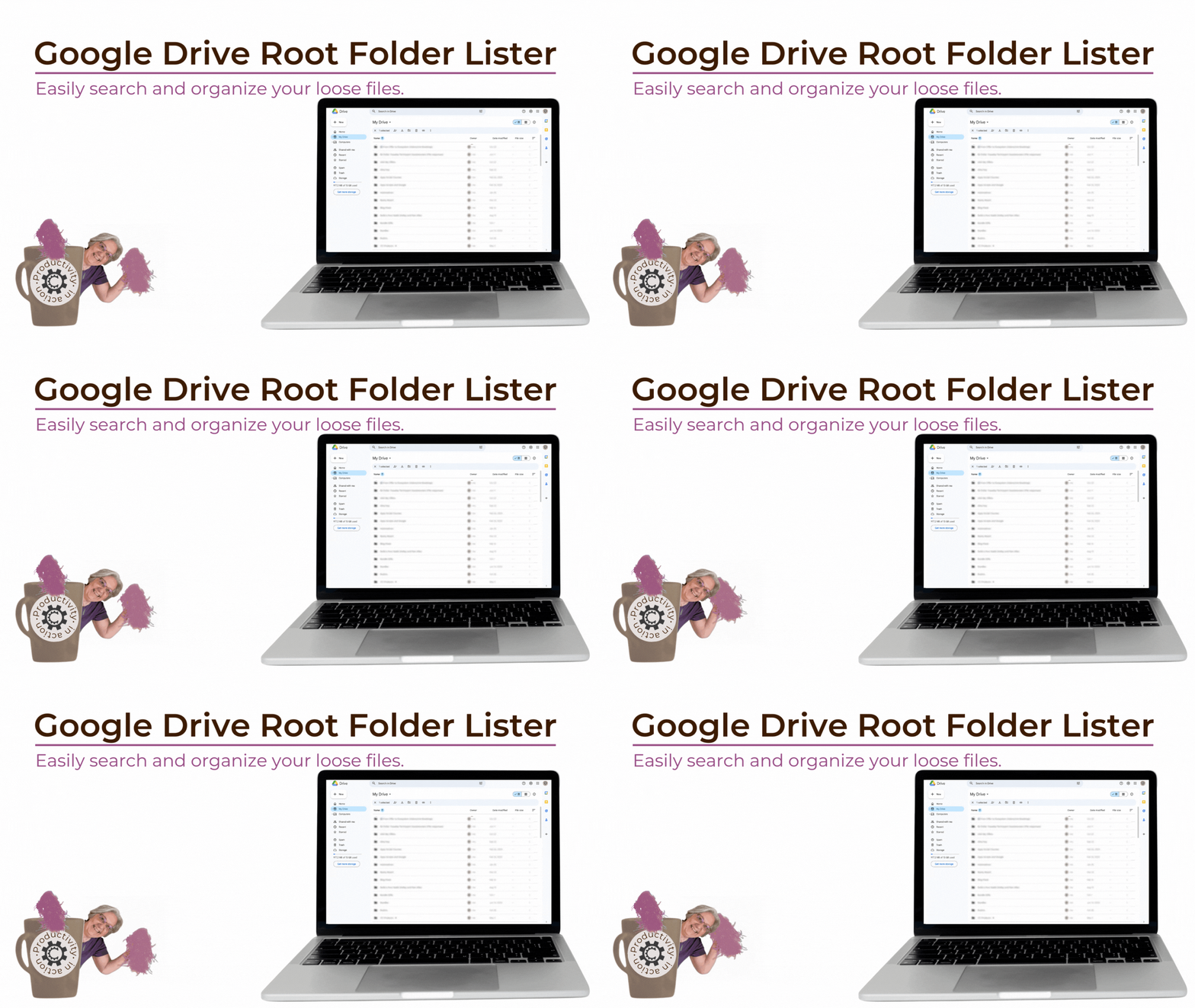
Finally see the files sitting directly in
your Google Drive root
and do something
Google Drive itself doesn’t let you search for.
- You search Google Drive for a file.
- You get hundreds of results. . .
- And you still don’t know which ones are actually unorganized.
- Google Drive mixes everything together.
- There’s no way to search only the files that aren’t in folders.
- That’s the gap this tool fills.
What this free tool does
The Google Drive Root Folder Lister creates a clear, sortable list of every file and folder living directly in your My Drive root.
It shows:
- File name
- File type (doc, sheet, image, CSV, etc.)
- One-click Open link
- Last updated date
- Owner
- ID (useful for automations)
No guessing. No hunting. Just visibility.
Why this matters.
Once you can see what’s loose, you can finally decide:
- What should be filed
- What can be deleted
- What belongs in a system (or doesn’t)
This turns Drive cleanup from an overwhelming search into a finite, doable task.
Who this is for
This is for you if:
- Your Drive “works”… but feels messy
- You rely on Google Drive daily for your business
- You’ve searched for files and thought, “I know this is somewhere…”
- You want clarity without rebuilding your entire folder structure
Who this is not for
This is for not you if:
- You don’t use Google Drive
- You’re hoping this will clean things up without you
- You want your drive to automatically get organized
- Your Google Drive is already fully organized
This turns Drive cleanup from an overwhelming search into a finite, doable task.
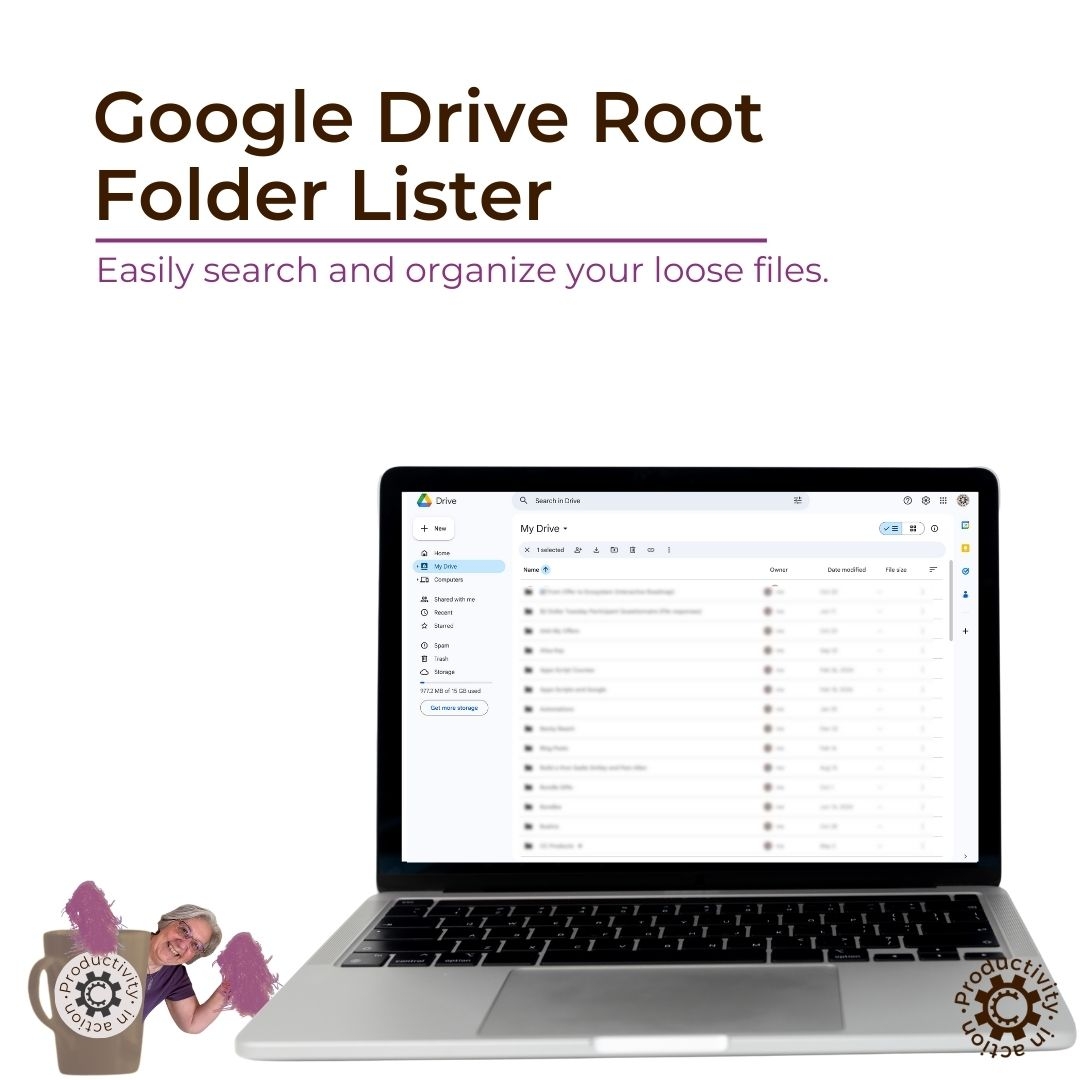
What's Inside?
- A ready-to-use Google Sheet
- A built-in menu button to run the tool
- A clean list of your root-level Drive files
- Full control over how (and if) you organize them
No rigid system. No rules. Just information.
Save Time / Reduce Frustration
No more endless searches or waiting on support—tackle issues head-on.
Tech Confidence
Learn and apply practical skills for quick tech fixes
Tech Confidence
Focus on what you love, knowing you have a plan in place for tech issues.
🛟 🛟 🛟 🛟 🛟 🛟 🛟 🛟
Get the Google Drive Root Folder Lister Free

Magda Therrien
I am Magda and have been easily distracted all my life, which has lead me to find ways to be productive despite the distraction.
Mix that with some sound pedagogy (a BA in Psychology and Business Admin, BEd, and an MA in Education), a lot of research and some of my own tweaks and creativity and you've got a recipe for fun and productivity, both essential ingredients for success.